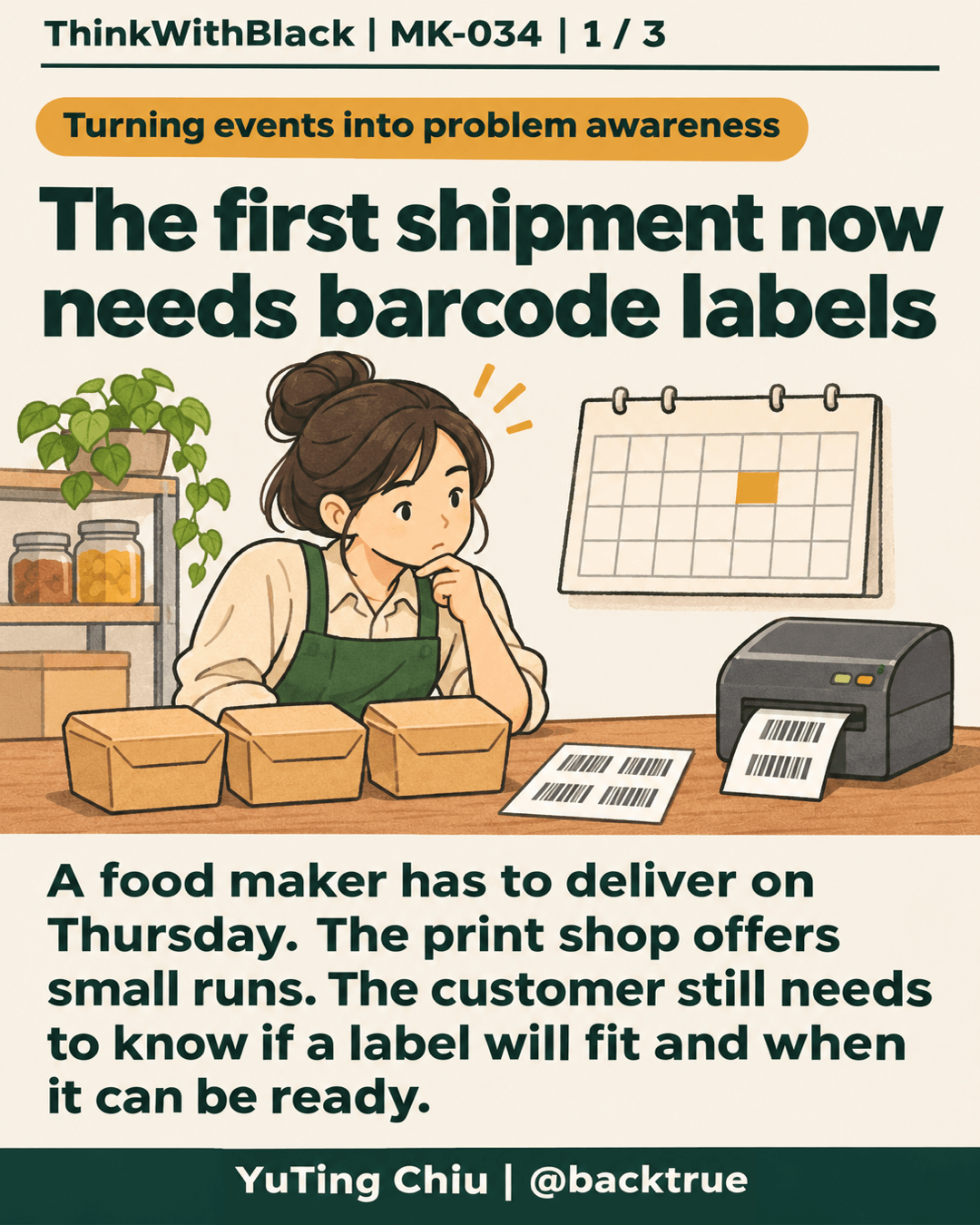
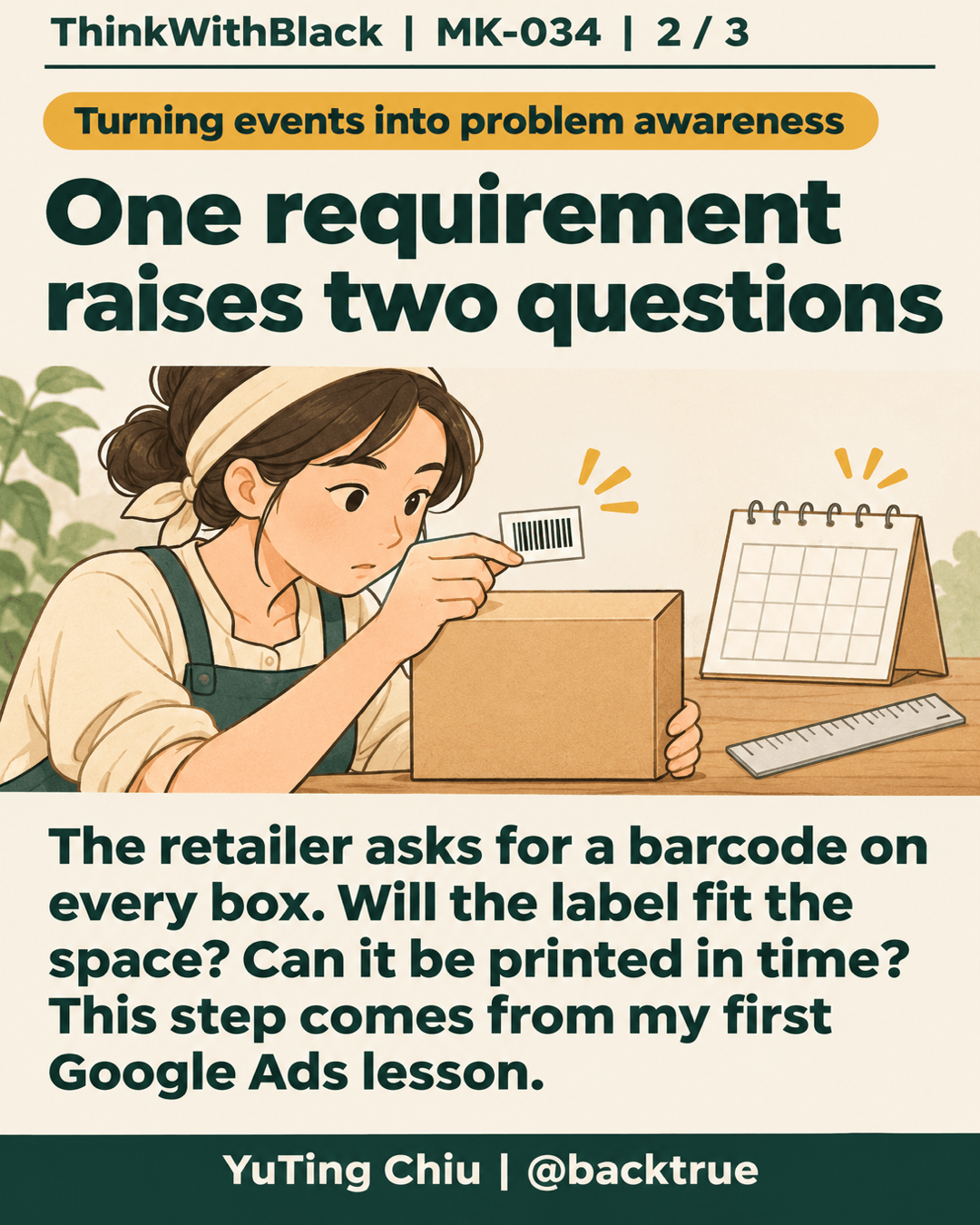
Say a small food maker receives its first wholesale order. The retailer sends its packaging requirements and asks for a product barcode on every box. The first delivery is due Thursday. The person packing the order clicks a print shop’s ad for small runs. The service page lists materials and minimum quantities, so they ask support two questions. Can the labels be ready before Thursday’s delivery? Will a barcode label fit in the 35 × 25 mm space on each box?
A page that sends this customer straight to a list of materials leaves them looking for those answers. Support then has to collect the deadline and packaging details before production can check the order. Starting with the customer’s questions gives the print shop a way to decide what the service page should explain and what its staff need to confirm.
Ask what the event made the customer notice
Slide 4 of my first Google Ads lesson uses the example of clothes that smell musty in a wardrobe. Someone notices the smell, then wonders whether the room is too damp. That question gives them something to look into. MK-034, Turning events into problem awareness, takes that step and applies it to a customer’s situation.
In the printing example, the retailer sent the requirements. That is the event. The person packing the boxes now has to work out whether the label will fit and whether it can be printed in time. Keep those questions in everyday language. Each gives the team something specific to check before it decides which material or service to discuss with the customer.
Record the two questions separately
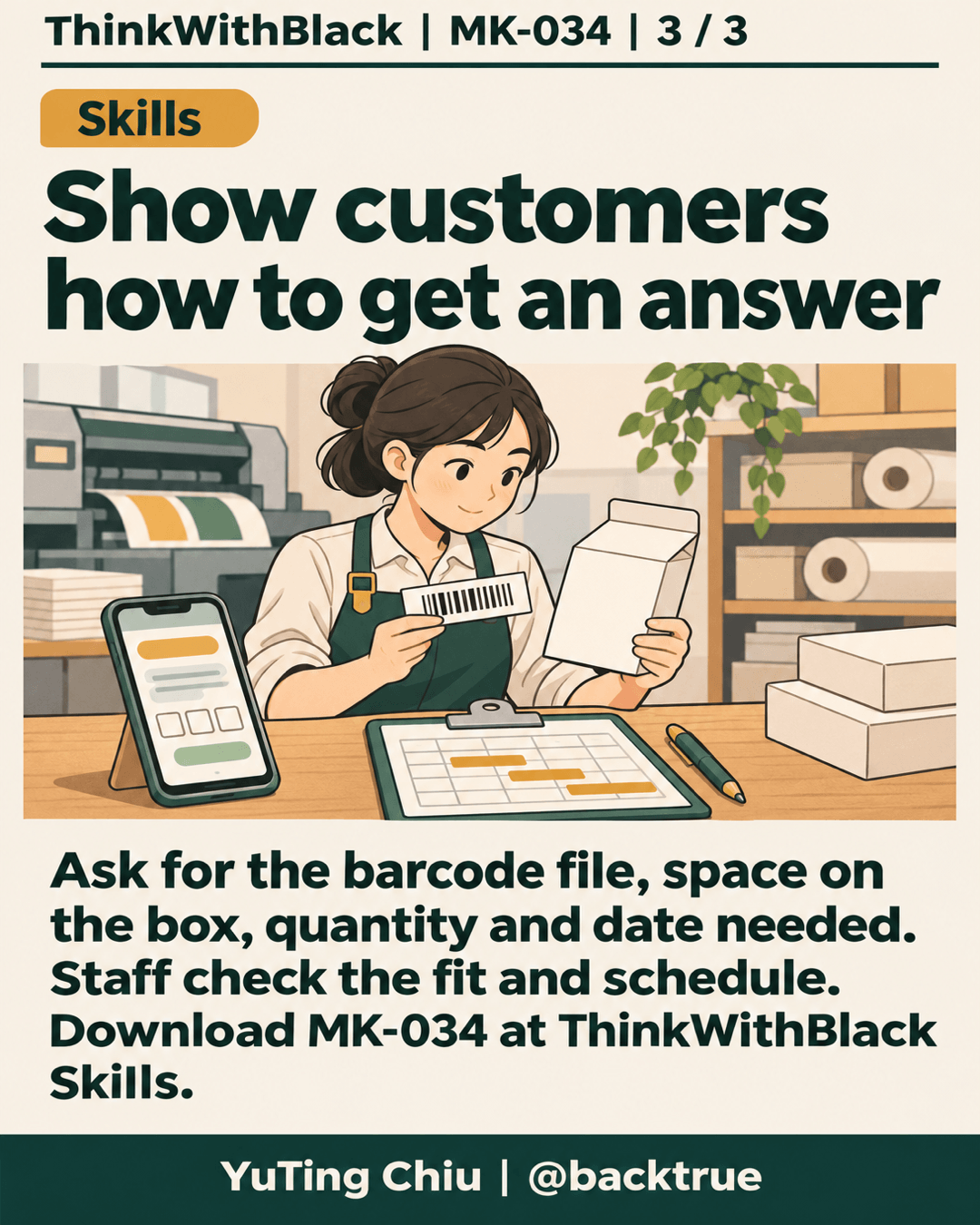
Bring the customer’s message, the ad, the service page and the actions your staff can handle. In this example, support can collect the barcode file, a photo of the packaging, the available space, the print quantity and the date the customer needs the labels. Production can use that information to check the dimensions and the schedule.
| MK-034 field | Space on the box | Time to print |
|---|---|---|
| Trigger event | The retailer requires a barcode on every box in the first delivery | The same delivery is due Thursday |
| The customer’s current problem | Will the label fit in the 35 × 25 mm space? | Can the labels be ready before the delivery? |
| Available answer | The shop offers small runs. Production needs the file to check the fit | Production needs to check the schedule |
| Supporting page or creative | The ad offers small runs. The page lists materials and minimum quantities | The same ad and print service page |
| Gap | The page could explain how to check the space and what files to provide | The page could explain how to ask about timing and who will confirm it |
| Reasonable next step | Request the barcode file and the space available on the packaging | Request the print quantity and the date the labels are needed |
| Basis | The packaging requirement, customer message and page in this example | The delivery date, customer message and page in this example |
Decide what the page can help people do
If staff can review requests individually, add that route where the page describes small runs. Tell customers which details to send and that production will confirm fit and timing. The person taking the inquiry then has the information needed to ask production a specific question.
A refrigerated product might also raise a question about how well the label holds up in the cold. Keep that question open until customer messages, search terms or evidence from the page support it. The table gives the team a record of the questions it can answer, the evidence behind them and the points it still needs to check.
Download the full MK-034 method from ThinkWithBlack Skills. Take one recent support message and the page the customer used. Write down what happened, then identify the first question the customer needed answered to move ahead.
This Skill on social media
Choose a platform to view the infographic and post