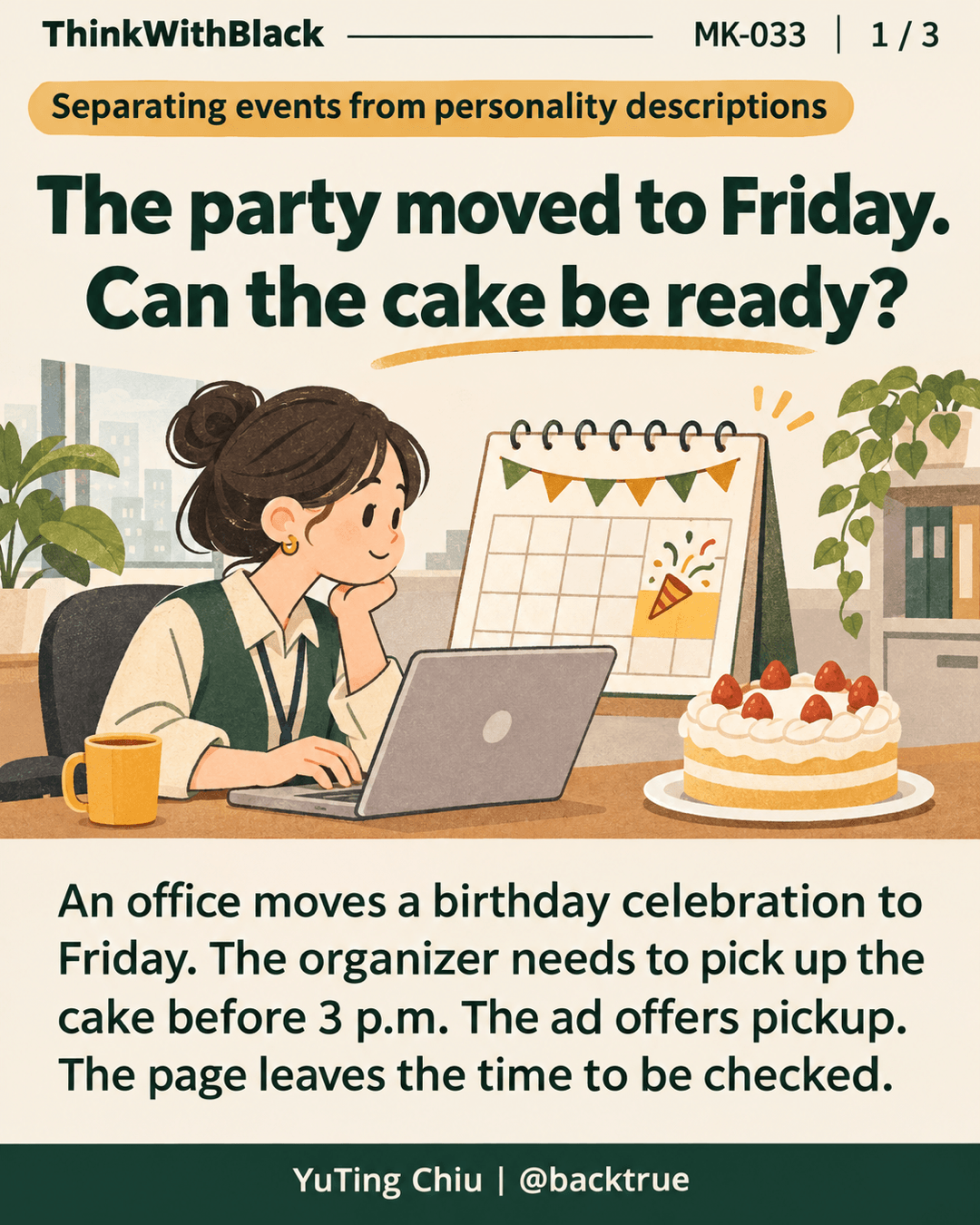
Picture a bakery running search ads for birthday cakes. The team has described its customers as “people who like to make an occasion of it,” and the next brief calls for more party photos. Then a support message gives the staff something specific to work with. An office moved a colleague’s birthday celebration to Friday. The person organizing it needs to pick up a cake before 3 p.m. The ad mentions pickup, but the product page lists flavors, sizes, and prices. The customer has to ask the bakery whether a Friday slot is available before they can decide to order.
The team can use a customer description when choosing photos. To help this person order, it needs to know what happened and what answer the customer is looking for. In this example, the ad and the page already give the team a gap it can check. The ad says pickup is available. The page leaves the customer looking for a way to check a date.
Go back to what happened
In my first Google Ads lesson on how ads answer customer needs, slide 6 asks learners to recall what they saw, heard, or were asked to handle before they started searching. MK-033, Separating events from personality descriptions, takes that part of the exercise and puts it to work on customer notes.
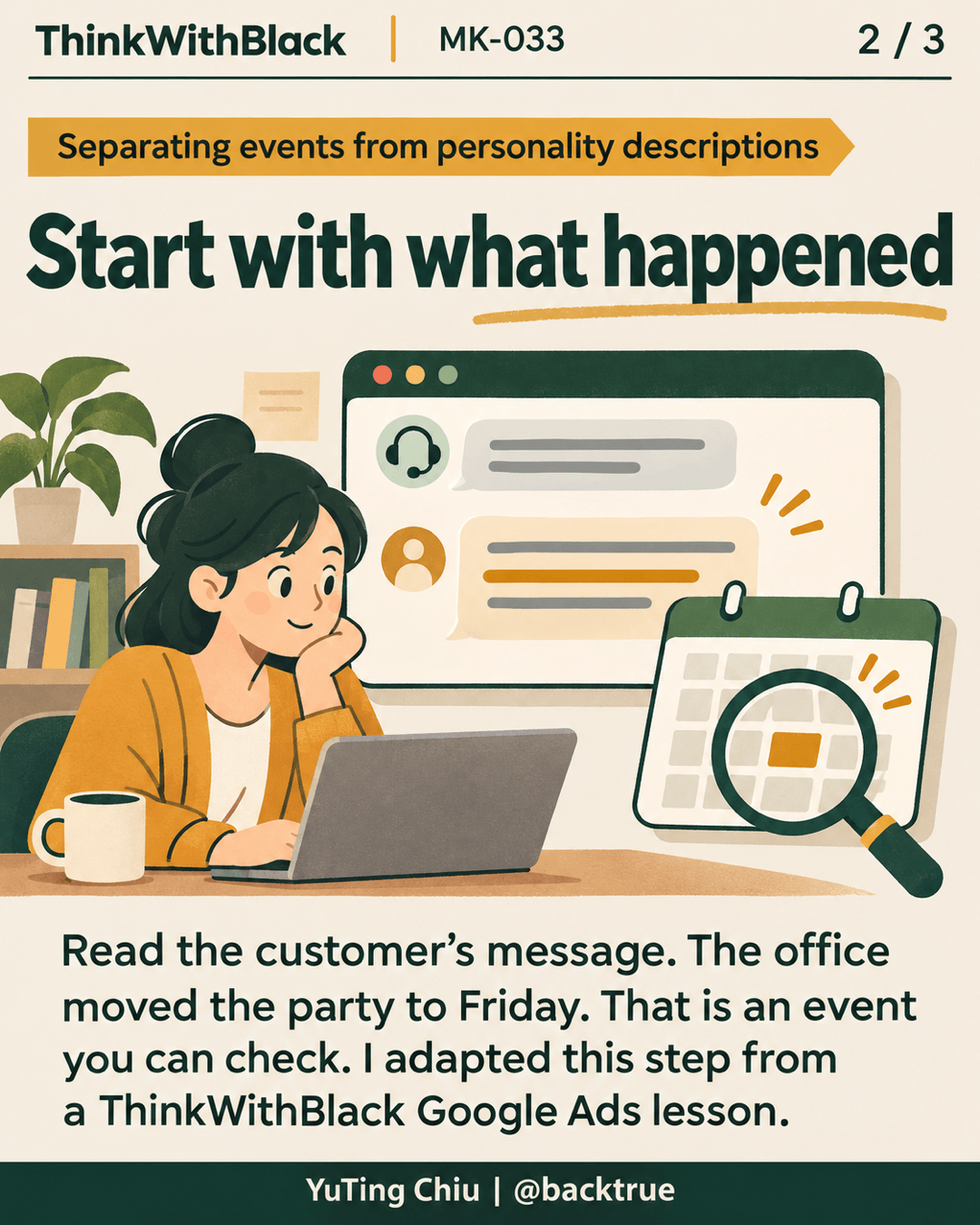
Read the customer’s own words and ask whether the description answers “What happened?” In this case, the office moved the celebration to Friday. That’s an event the bakery can ask about. “Can I pick up the cake before 3 p.m. on Friday?” is the question it raises. Putting those in separate fields gives the bakery two things it can act on. The staff member checks the schedule, and the marketer checks how the page handles pickup inquiries. If the notes only say that the customer likes a special occasion, mark the event as unknown and ask what made the timing important.
Put the support message, the ad, and the product page side by side
Start with the cake the customer asked about, their actual wording, the ad and the page it leads to. Ask whoever handles bookings how the bakery can check pickup availability. Then use the seven fields in MK-033 to record what the team has confirmed and what still needs an answer.
| MK-033 field | Birthday cake pickup example |
|---|---|
| Trigger event | An office moves a colleague’s birthday celebration to Friday |
| The customer’s current problem | Can they collect the cake at the bakery before 3 p.m. on Friday? |
| Available answer | The bakery offers pickup. Staff still need to check Friday’s schedule |
| Supporting page/creative | The search ad mentions pickup. The product page lists flavors, sizes, and prices |
| Gap | The page does not explain how to check pickup availability for a specific date |
| Reasonable next step | Ask staff to check Friday. If they can confirm requests one at a time, tell customers how to ask about a date and time |
| Basis | The support message, the ad and its product page. Staff confirm availability from the booking schedule |
Give each person a question they can answer
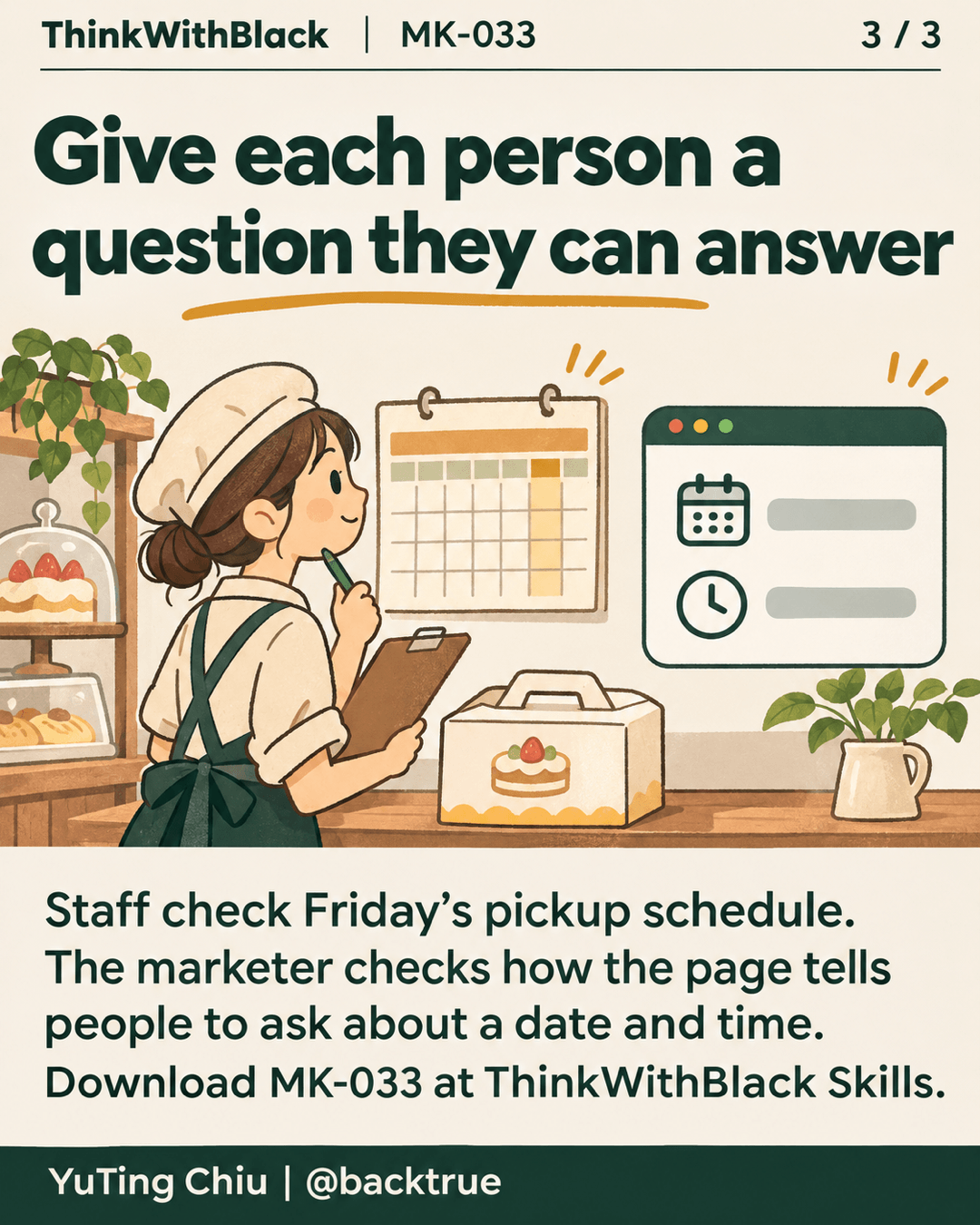
At the next meeting, the bakery staff can check the Friday slot while the marketer opens the page from the ad. If staff confirm each order individually, the page can tell visitors what date and preferred time to provide and when to expect confirmation. The bakery can use the schedule to confirm what it can offer.
If the team wants to plan around a search such as “Friday birthday cake pickup,” put that phrase in the table as a candidate and compare it with actual search terms. The table documents the gap the team can see on the page. To estimate how often the gap matters, look at search terms, behavior on the page, and customer inquiries together.
Download the full MK-033 method from ThinkWithBlack Skills. Start with one customer message and the page they had to use. Write down what happened, then work out which part of their question the page already answers.
This Skill on social media
Choose a platform to view the infographic and post