A moving company rewrites its ad to say it’s quick, careful and clear about pricing. Someone clicks through to the service page, then goes back to the search results. Meanwhile, the sales team keeps answering a question on the phone: the office has to be handed back to the landlord at the end of the month. Is a truck still available?
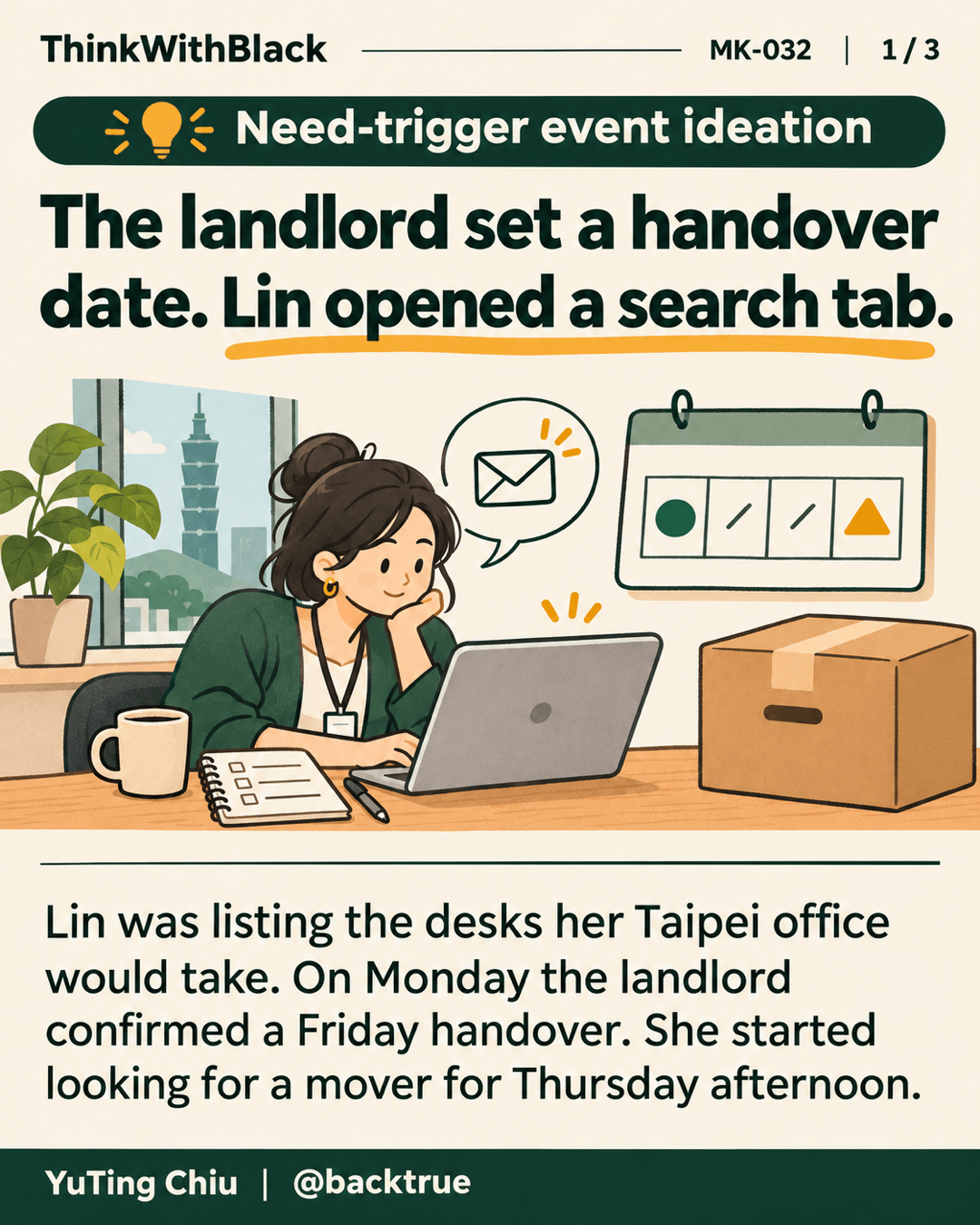
Picture a small company in Taipei. Lin, the office administrator, spent the previous week counting the desks and chairs they’d take to the new office. She planned to call movers once the seating plan was set. On Monday morning the landlord emails to confirm that the handover is on the last Friday of the month. Lin opens her calendar. Her colleagues are free to help pack from Thursday afternoon. She starts searching for a company that can move the office that afternoon, before she hands back the keys on Friday.
When the moving company writes “customers value speed” in its meeting notes, the marketing team has an easy brief: write another ad about fast moves. Lin needs an answer for a particular date. If the service page gives her a general quote form, she still has to call and ask about availability. The sales team has a choice to make: should it give visitors a way to ask about a time slot first, or should it explain the price first?
Find the moment she starts looking
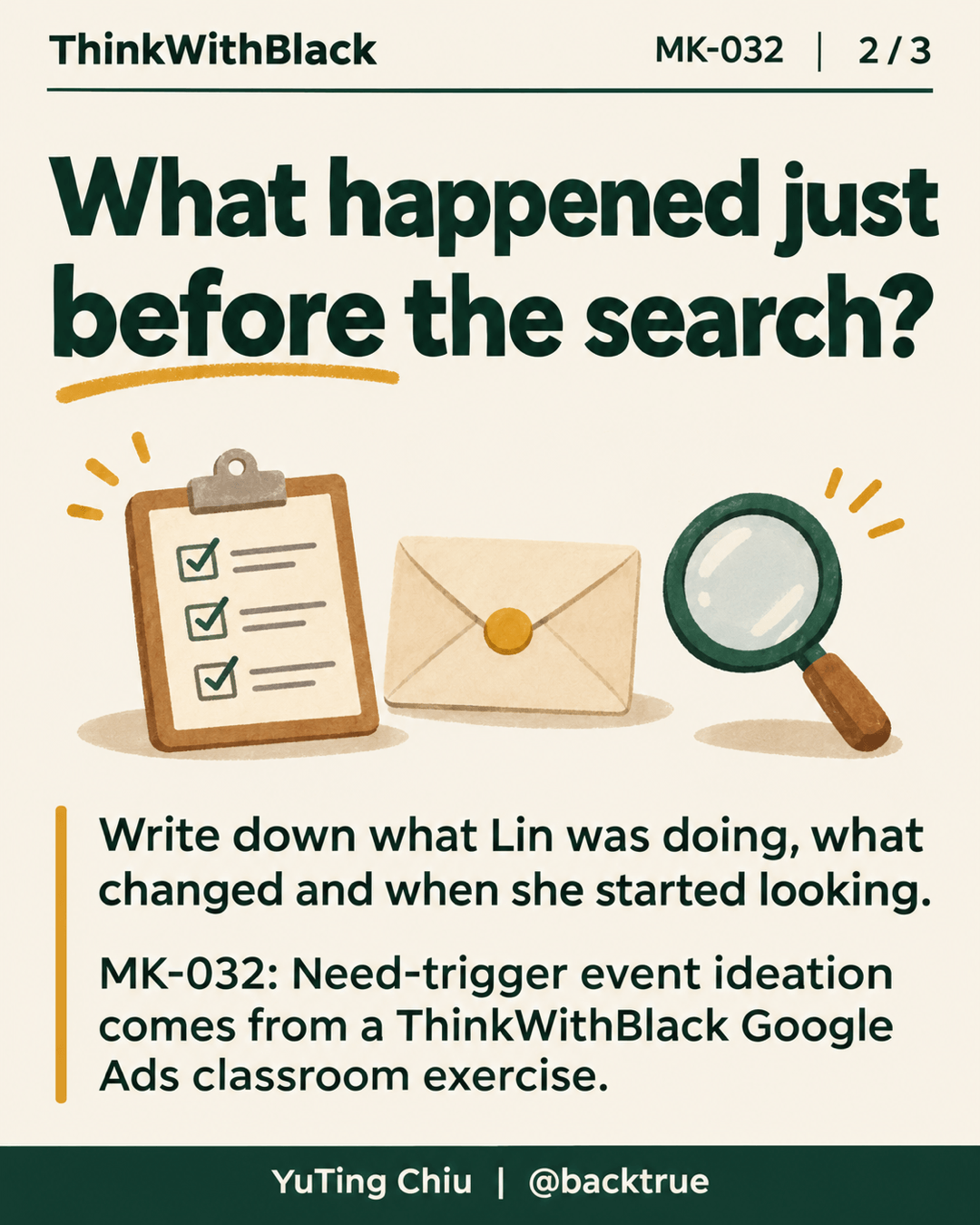
In the opening Google Ads lesson on how ads answer customer needs, I ask students to remember something they recently typed into search. Slide 6 walks through the exercise that became MK-032, Need-trigger event ideation. What did the person see, hear or get asked to do? What were they doing before that happened? What might they look up next?
In Lin’s case, the email setting a handover date is an event you can ask her about. “Values speed” describes a possible preference. Writing down what she was doing before the email helps explain why an office furniture inventory turned into a search for a truck. She might type “Taipei office movers Thursday afternoon.” Put that phrase in the table as a lead and check it against customer messages and the terms people actually searched.
Keep two urgent calls on separate rows
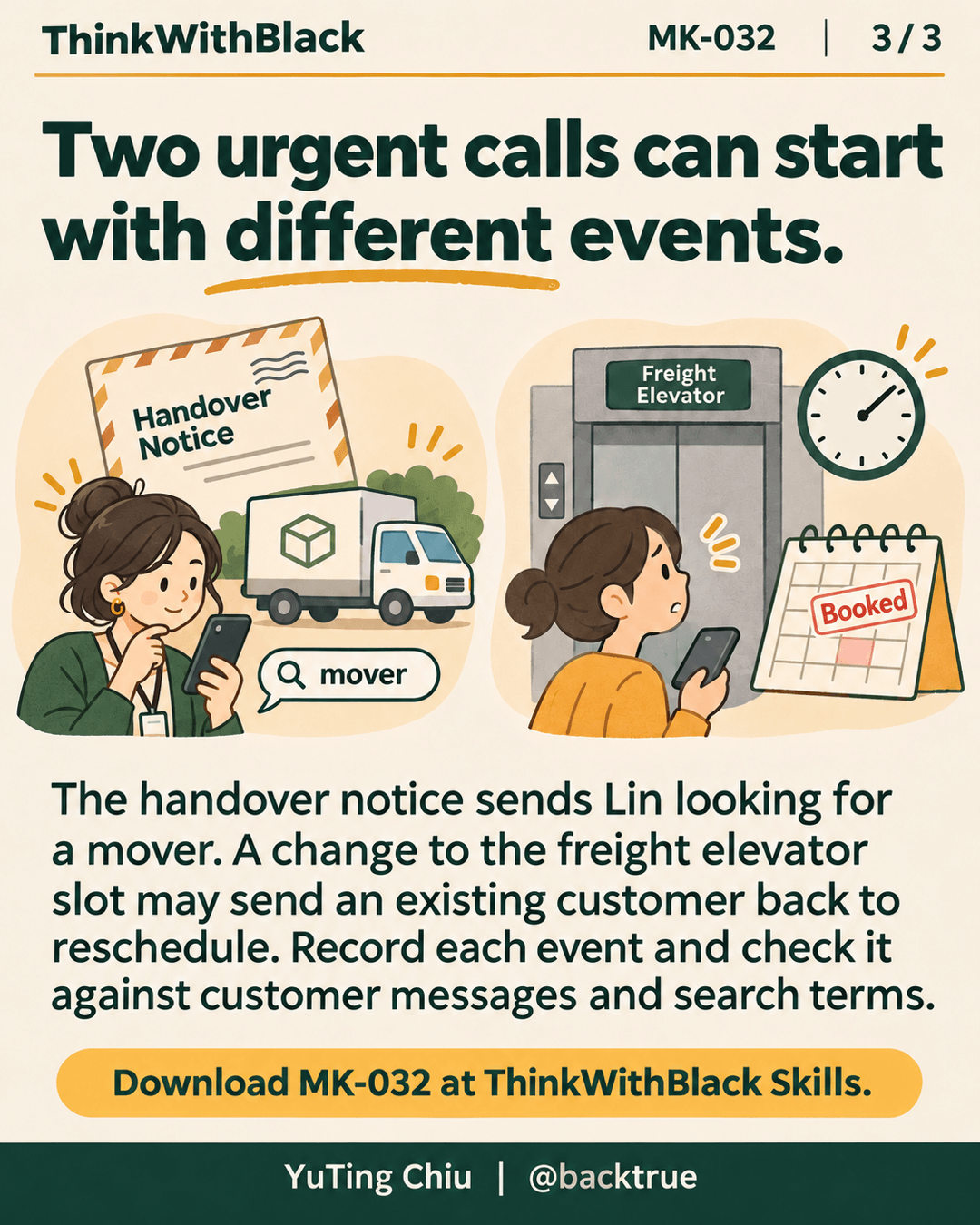
A second office could ask to move on Thursday because the building manager just told them the freight elevator will only be available Thursday morning. The administrator already booked a mover. What they need now is to find out whether the booked crew can come earlier or suggest another time. Both calls sound urgent. One begins with a handover notice and a search for a mover; the other begins with a change to an elevator schedule and may lead straight to a call to the original crew.
Put the service details, the customers’ own words, the current web page and the actions your team can support next to one another. For example, if your sales team can check availability once it has a date, floor and elevator details, you can see whether the page currently lets a customer provide them. Here’s how the two examples fit the seven fields in the English method pack.
| MK-032 field | Handover notice | Freight elevator schedule changes |
|---|---|---|
| Candidate event | Landlord emails a Friday handover date | Building manager says the freight elevator is only available Thursday morning |
| State before the event | Lin is listing furniture and plans to call movers after the seating plan is set | An administrator has already booked a mover |
| Observable evidence | The dated email and what the customer says happened next | The building notice and the original booking record |
| Timing and search starting point | Monday after the email; a possible search is “Taipei office movers Thursday afternoon” | After the building notice; the customer may contact the original mover directly |
| Potential problem | Find a truck for Thursday afternoon before Friday’s handover | Shift the booked move into the elevator window |
| Counterexamples and unknowns | Lin may have looked at movers before the email; the actual first query is unknown | The original mover may be able to reschedule; a fresh web search is unconfirmed |
| Validation data | Compare the customer’s account with dated records and actual search terms; check whether the page can take an availability request | Check the booking and rescheduling records; confirm the page offers a way for booked customers to get in touch |
Use the table to decide what to check next
At the next marketing meeting, pick one real availability inquiry and keep the customer’s wording with identifying details removed. If all it says is “We’re moving at the end of the month,” ask when the date became firm and whether a mover was already booked. Those answers tell you which of the two rows is worth checking first. Once you have search terms or call notes, compare them with the candidate phrases, then look at what the current service page lets a visitor do.
A table like this gives marketing and sales a common place to record why someone started looking and what remains to be confirmed. If the evidence keeps pointing to date availability, check that your team can reply with available times before deciding what to put on the form. If it points to existing bookings, check whether customers have a clear route to the person who can move the appointment.
Get the full MK-032 method from ThinkWithBlack Skills. Start with one service, an anonymized customer message and the page that customer would land on. Ask what happened just before they began looking.
This Skill on social media
Choose a platform to view the infographic and post